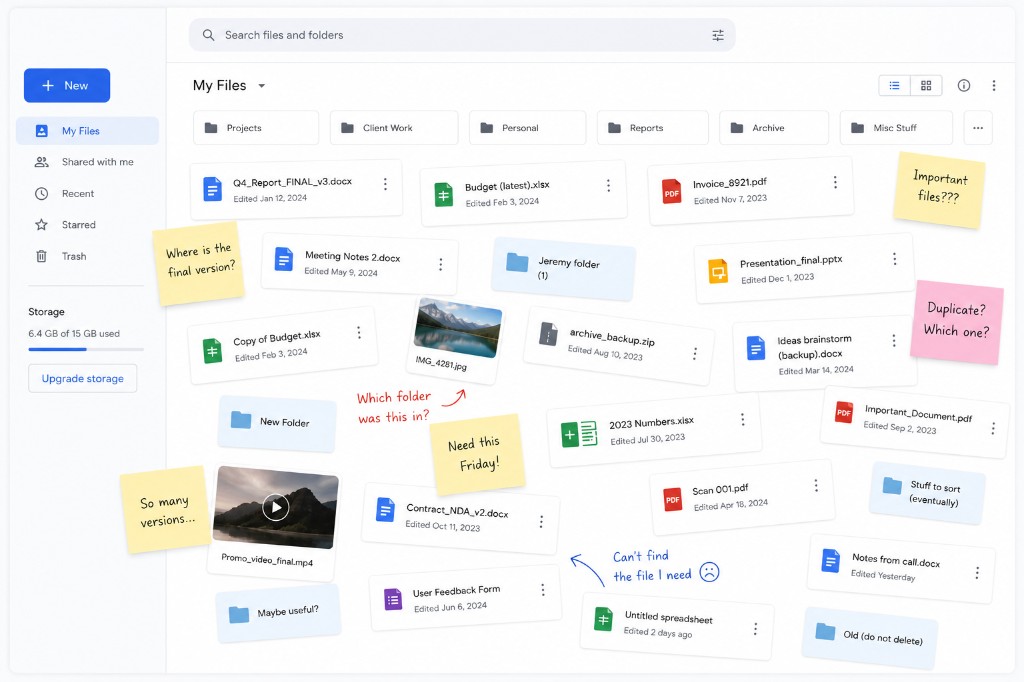
Let’s say you’re using Google Drive for your work documents. It’s a practical solution. It’s simple to use, it’s familiar and there’s no fiddly setup needed. In short, it’s a great product.
Until you need to find a document.
Let’s be honest, Drive is not the best for organising things. You make a document, it gets saved, and then… it’s gone. Lost in a pile of papers, at least figuratively.
But where are the filing cabinets? Why isn’t there some way of slotting a document away and finding it again?
Well, here are some ways of getting around this problem.
Solution 1
🔎 Google Drive search
Despite what people say, search in Google Drive is actually pretty good these days. You don’t need to type in the exact phrases, exactly. You can type in the approximate meaning and it will often find you what you’re looking for.
That’s pretty good, isn’t it?
Until you don’t know what to type in. If you’re just looking for something but don’t know what it is, it’s back to trawling through folders.
Solution 2
📂 Clicking and dragging files into folders
We won’t spend too long on this option, because… it’s very time consuming. We wouldn’t want to take up any more of your time! If you choose this, well… Good luck. Put on some music, maybe listen to a podcast, to absolve the tedium.
Solution 3
🔖 Bookmarking links and saving emails and message threads
Ah, the classic technique. An important Google Doc or Google Sheet? Bookmark it and keep it in a folder in your browser’s bookmark row.
This isn’t a bad solution. It’s just not suitable when we’re talking about dozens or hundreds of documents. For that, there’s a better way…
Solution 4
Paper Tray
Now, here’s the real solution.
Paper Tray is a tool that lets you find your documents in Google Drive whenever you need to. And it takes a matter of seconds to find most documents.
Just add your files to Paper Tray and it’ll scan them and organize them with AI.
Then you can go to the Paper Tray dashboard and use the filters to find what you’re looking for.
It’s as simple as that.
We even offer a Chrome extension (and a Google Workplace add-on, if you prefer to use those) so that you can add a document to Paper Tray as soon as you create it.
Go ahead and try Paper Tray today – and never lose a Google Drive document again!